



Home Office Ergonomics: Five Desk Fixes Under £30
Most home desks are a laptop on a dining table, which puts the screen about 20cm too low and the wrists at the wrong angle for eight hours a day. None of the fixes are expensive, but the order you do them in matters.
SHOPTHIVA Editors
Quick takeaways
Screen height is the first fix, always. The top of the display should sit roughly level with your eyes. A laptop on a flat desk is about 20cm below that, which is why the neck complains first. Raising the screen forces a second change. Once the laptop is up, its keyboard is at the wrong height, you need a separate keyboard, or the fix makes your wrists worse. Clutter is an ergonomic problem. If the mouse has nowhere to go, your arm ends up reaching. Do them in order. Screen, then input, then clear space. Buying a gadget out of order tends to move the pain rather than remove it.
Fix one: get the screen up to eye level
A laptop is a compromise device, the screen is attached to the keyboard, so one of the two is always in the wrong place. When it sits flat on a table, you look down at roughly 30 degrees for hours. Your head weighs around 5kg, and tilting it forward multiplies the load your neck muscles carry.
The target is simple: the top edge of the screen roughly level with your eyes, at about an arm's length away. Anything that achieves that works, a stand, a shelf riser, or a stack of books. The point is the height, not the object.
Fix two: separate the keyboard from the screen
This is the step people skip, and skipping it is why a laptop stand alone sometimes makes things worse. Once the screen is at eye level, the built-in keyboard is now floating near your chest, and you end up typing with lifted shoulders and bent wrists.
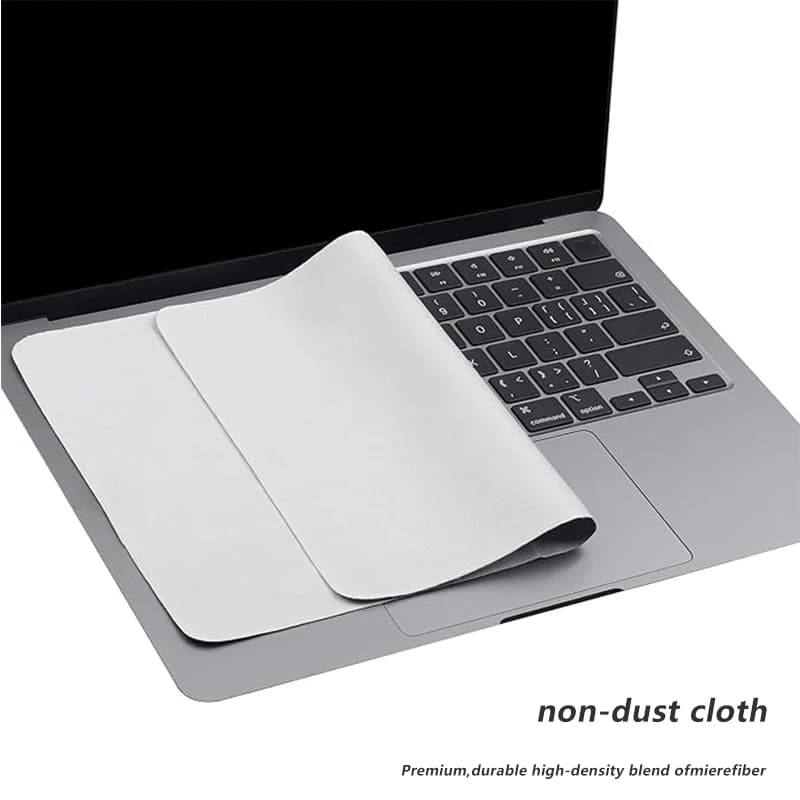
An external keyboard and mouse put your hands back down where they belong: elbows at roughly 90 degrees, forearms level, wrists straight rather than cocked upward. A keyboard that is not in use also benefits from being covered, a microfibre dust cover keeps crumbs and dust out of the switches, which is the usual cause of a sticking key.
Fix three: get the phone out of your hand
A surprising amount of home-working neck strain comes from the phone, not the computer. Propping it against a mug or holding it during calls puts your head at exactly the angle you have just spent money correcting.
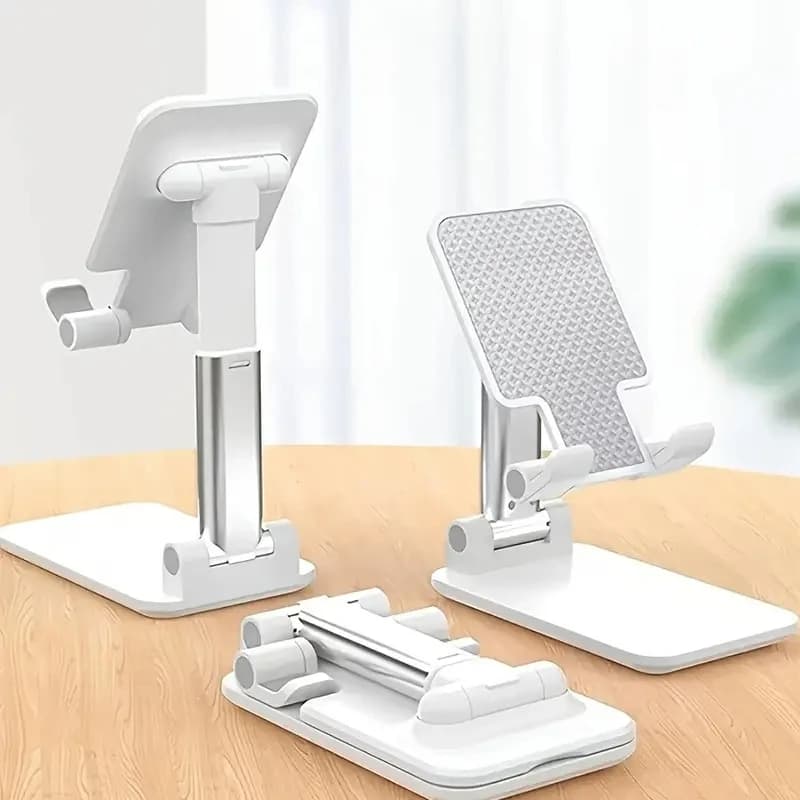
An adjustable desk stand holds the phone at viewing height, which means glancing rather than hunching. It also stops the phone migrating under paperwork, which is its own small productivity tax.
Fix four: clear the working zone
Ergonomics is partly about geometry. Your mouse should sit immediately beside the keyboard at the same height, if pens, chargers and notebooks have colonised that space, your arm ends up reaching forward or out to the side, and shoulder ache follows.
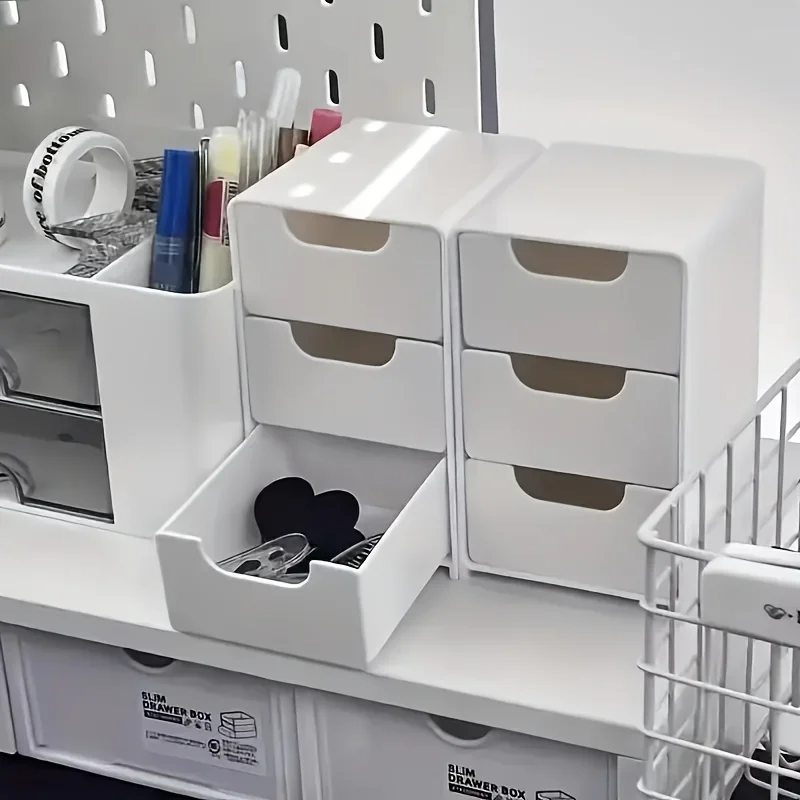
A tiered organiser is unglamorous but it is the fix: it takes the vertical space above the desk, which is otherwise wasted, and gives the horizontal space back to your hands. Aim to keep an area roughly the width of your shoulders completely clear.
Fix five: change position more often than you think
No arrangement is good enough to sit in for eight hours. The best posture is genuinely the next one, the load moves between muscle groups when you change position, and static loading is what causes the ache.
Practical version: stand for phone calls, move the laptop somewhere else after lunch, and get up at least once an hour. This costs nothing and does more than any single purchase on this list.
Featured in this article
Frequently asked questions
How high should my monitor be?
The top of the screen roughly level with your eyes, about an arm's length away. You should be looking very slightly down at the middle of the display, not down at the whole thing.
Do I really need a separate keyboard with a laptop stand?
Yes. Raising the laptop puts its built-in keyboard too high, which lifts your shoulders and bends your wrists. The stand and the external keyboard are two halves of one fix, doing only the first can make wrist strain worse.
Does a wrist rest help?
It helps if it supports the heel of your hand between bouts of typing. It does not help if you rest on it while typing, which pins the wrist at an angle. Getting the keyboard height right matters more.
What is the cheapest single change worth making?
Raising the screen. It costs nothing if you use books, and it addresses the neck, which is where most home-working pain starts.
Product gallery
Further reading